Start PowerPoint (365, 2016 or 2019; earlier versions should be similar)
Choose File | Account
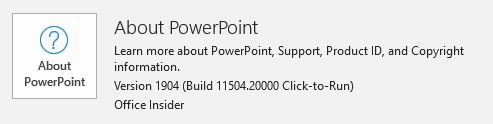
In the Account pane, click About PowerPoint:
At the top of the window that appears, look for this, which tells you whether you have 32-bit of 64-bit:
Why does it matter?
Microsoft made changes to 64-bit versions of Office that made it incompatible with some add-ins, controls, DLLs and other helper or third-party software. It's a good troubleshooting step to check when an add-in or other PowerPoint-related software doesn't seem to be installing or working correctly.
Did this solve your problem? If so, please consider supporting the PPT FAQ with a small PayPal donation.